


A reservation confirmation email is one of the few messages your guests are actively expecting to receive. With strong open and engagement rates (up to 65%!), confirmation emails create an opportunity to do more than simply confirm a booking; they can help you educate guests, prepare them for their experience, promote relevant add-ons, and strengthen your relationship before they arrive.
In this guide, we’ll cover how to create more effective reservation confirmation emails and how reservation booking software can help automate guest communication, streamline follow-up, and create additional revenue opportunities.
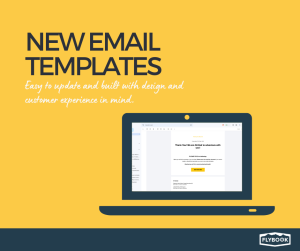
Learn about how the Flybook is setting you up for success with confirmation emails through our updated email template setup.
Key Takeaways
- Why Reservation Confirmation Emails Matter
- How an Online Tour Booking System Supports Confirmation Emails
- Best practices for designing confirmation emails
- Where To Start With a Reservation Confirmation Email?
Why Confirmation Emails Matter for Tour and Activity Operators
Your customers have a problem. They are receiving hundreds of emails daily. Your marketing emails and even subsequent reminders are likely being lost in the continuous ping of every other email showing up for their attention.
Not only do confirmation emails typically have high open rates, but they can also generate significantly higher engagement than many other types of customer communication.
In a crowded inbox, these engagement rates give you something valuable: an audience that is already paying attention. And, given they have already purchased something from you (hence receiving the confirmation email) you already have a level of trust. This is why being intentional and strategic about what is included in your confirmation email is so important.
A couple of other reasons why confirmation emails should be valuable to YOU (and worth doing well):
- Meeting an Expectation: Regardless of the purchase amount, people expect a confirmation email. So you can do more with something they are expecting to receive.
- Offering a Reference: Confirmation emails become the reference for contact and details and thus are opened multiple times, providing your customer with an easy place to find the information they need.
- Building Trust: A confirmation email should build on the trust you’ve earned that has led to a purchase decision. A well-crafted confirmation email should encourage the contact to read future outreach from your business.
How Reservation Booking Software Supports Better Guest Communication
As your business grows, manually creating and managing guest communication can quickly become difficult to keep up with. Reservation booking software can automate confirmation emails and help ensure guests receive consistent, accurate, and timely information after every booking.
Instead of sending one-size-fits-all emails, modern booking software allows operators to customize confirmation emails based on the activity, rental, package, or experience purchased. This helps create a smoother customer experience while reducing the amount of manual follow-up required from your staff.
For tour operators and activity businesses, an online booking system for small business operations can also support:
- Automated booking confirmations and reservation updates
- Custom email templates for different tour types or locations
- Waiver, payment, or pre-arrival reminder emails
- Upsells for add-ons, upgrades, merchandise, or photo packages
- Personalized guest communication before and after arrival
- Mobile-friendly confirmation emails guests can reference on the go
This type of automation is especially valuable during busy seasons when teams are managing a high volume of reservations and guest communication. Instead of relying on manual emails or inconsistent messaging, an online tour booking system helps ensure every guest receives the right information at the right time.
What should reservation booking software include in confirmation emails?
Strong reservation booking software should support automated confirmation emails that include essential booking details, contact information, waiver links, next steps, and relevant upsell opportunities. The goal is to provide guests with a clear reference point while reducing manual communication for your team.
Can reservation management software automate confirmation emails?
Yes. Most modern reservation systems allow operators to automate booking confirmations, reminders, payment requests, and pre-arrival communication. Automation helps improve consistency while saving time during busy booking periods.
Best Practices for Creating Reservation Confirmation Emails
Let’s remember, the confirmation email has a singular priority purpose: to confirm a purchase. Knowing this, it’s obvious that you will need to include information about what the customer has bought.
But how much information is useful? When is too much just overwhelming?
Below are some recommended best practices for creating your confirmation email:
1. CONFIRM THE PURCHASE
Guests often return to their confirmation email when they need to check reservation details. Encourage them to save or flag the email so they have an easy reference for important information. Sharing the essential details will make sure the customer is aware of what is required of them.
This is one place where less is often more. The essentials for you may seem like every detail of the itinerary; however, for the customer, keeping this to the bare minimum will ensure they remember and can be easily reminded by re-reviewing the confirmation.
Share things like:
- Time
- Place
- General expectation
- Receipt
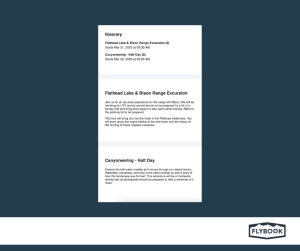
Remember to keep it simple!
Sharing everything your guest needs to know in the confirmation can be tempting. However, even though most people are opening this email, you want to keep them engaged.
Include only the essential information and whatever next steps that are most important for them to do for you.
2. SAY THANK YOU
A confirmation email is a place for you to build rapport. So, regardless of the purchase amount, thanking the customer for choosing you will show that you value their business.
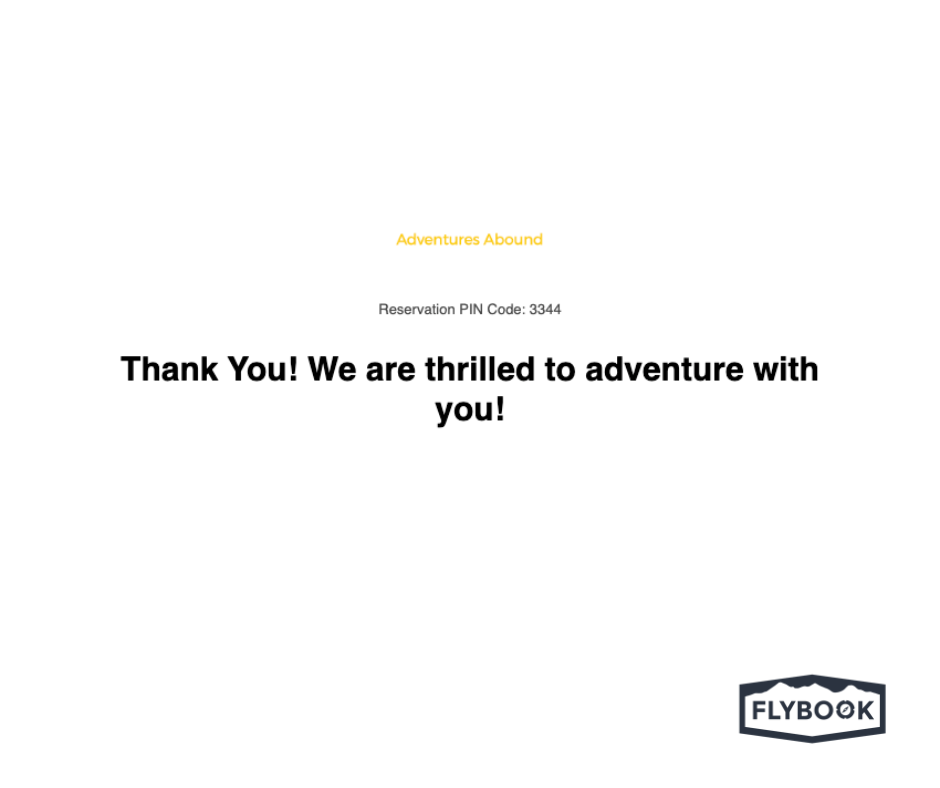
1. Make the appreciation feel authentic. A simple thank-you can go a long way, especially when it reflects your brand voice.
2. Let your personality show. Your confirmation email doesn’t have to sound transactional. Use language that reminds guests who they’ll be experiencing their adventure with.
3. PROVIDE A NEXT STEP
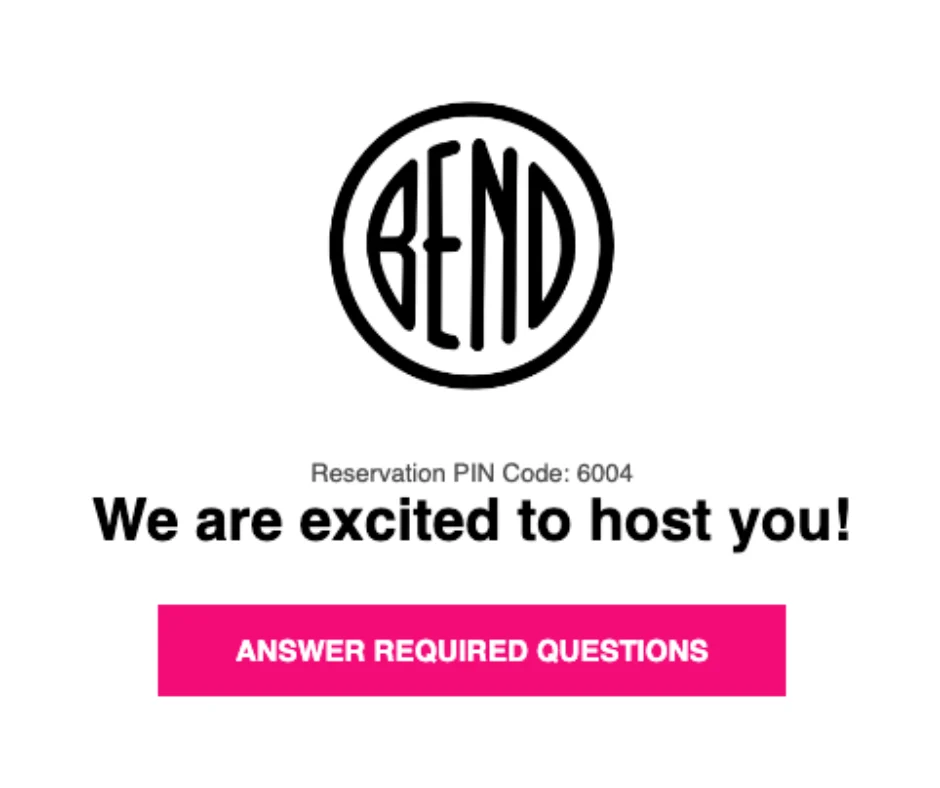
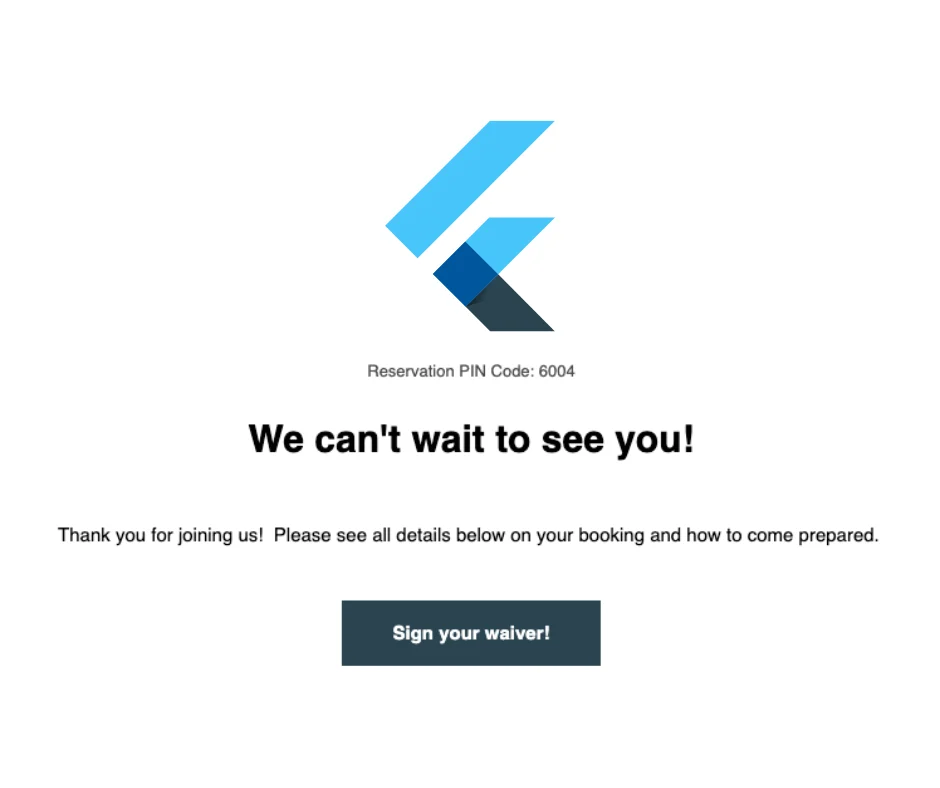
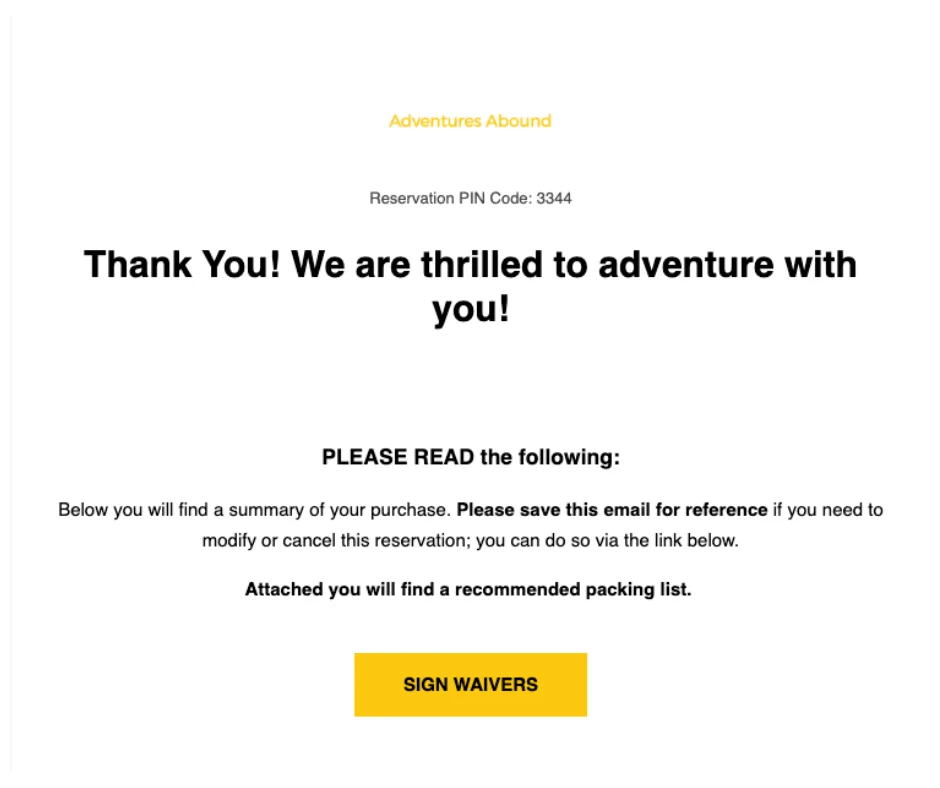
In addition to confirming the reservation, give guests a clear idea of what they need to do next. Providing direction on what to expect helps keep guests engaged and allows you to collect any remaining information before their arrival.
The time between booking and arrival is an important opportunity to prepare guests for their experience. From completing waivers and sharing meeting details to communicating what guests should bring or expect, thoughtful pre-arrival preparation can reduce questions and help create a smoother guest experience.
One advantage of activity and tour software is that it can help operators balance a simple booking process with the information they still need from guests. Keeping the initial checkout experience streamlined can reduce friction, while automated follow-up communication can collect waivers, additional details, or other required information after booking.

Here are a few next-step image examples:
4. USE IMAGES TO REINFORCE THE EXPERIENCE
According to BrainRules visualizing information commits details to memory 6x higher than reading text.
Visual elements can make confirmation emails easier to scan and help reinforce important details. Images can also strengthen brand recognition and remind guests what they have to look forward to.
Resources say adding images can assist with the following:
- They improve your brand recognition and consistency since recipients can easily identify your brand and quickly scan purchase-related information.
- Consequently, branded order confirmations tend to stick in the memory for a longer time of period.
In practice, this means that customers are using order receipts as a reference point for future email engagement.
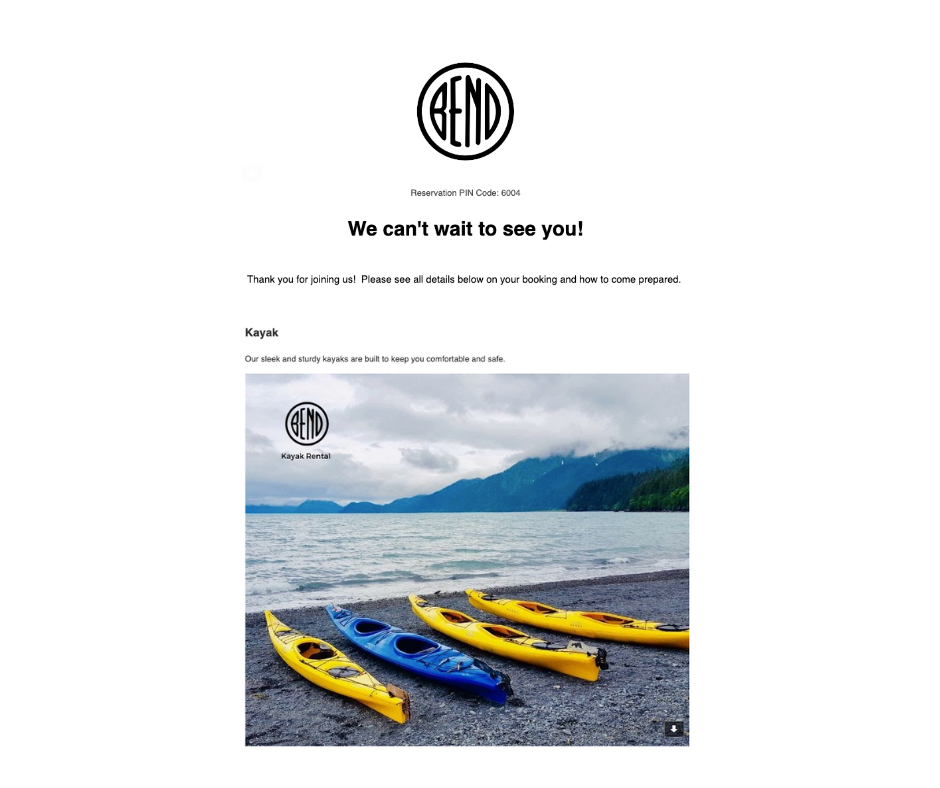
1. The logo is the first image seen. Unlike having a title that states your business name, a logo will create brand recognition.

2. Showing images of what the guest will see and using the image they clicked on through the website reaffirms brand recognition. Including the logo will keep you as the focus if they choose to share the photo.
5. OFFER RELEVANT ADD-ONS, UPSELLS, PROMOTIONS
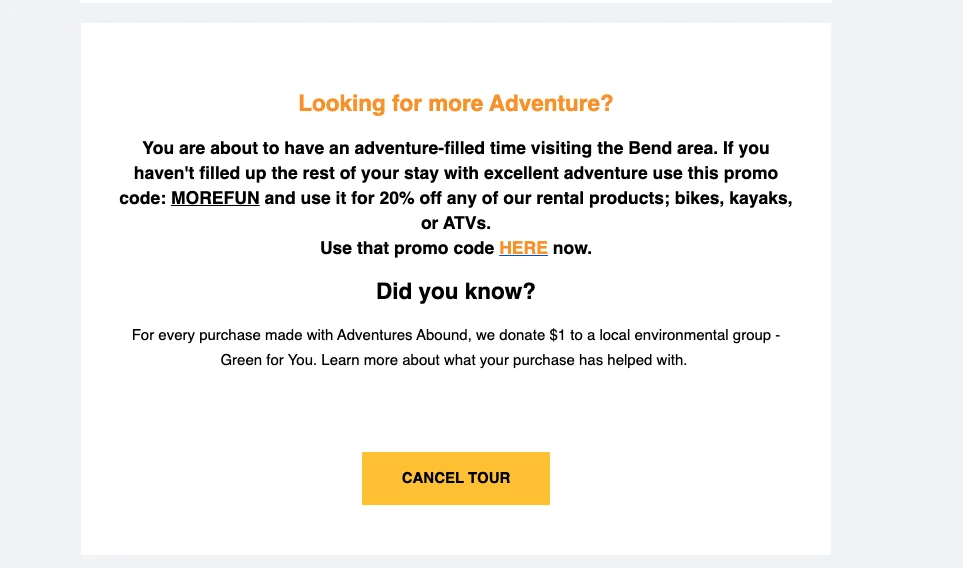
Because guests are already engaged with their confirmation email, it can also create an opportunity to introduce relevant add-ons or additional purchases.
Here are a few ideas on what to offer:
- Products: Do you sell hats, water bottles, sunglasses, or other items that guests may want as a souvenir or need for their upcoming activity, rental, or tour? Your confirmation email can provide an easy way to add these items to an existing reservation for pickup on-site.
- Photos: Guests are often looking for ways to remember and share their experience. Consider offering pre-purchased photo packages or promoting photo options available on-site.The Flybook integrates with Fotaflo and PicThrive, two photo solutions that you could offer for the purchase or complimentary to your customers.
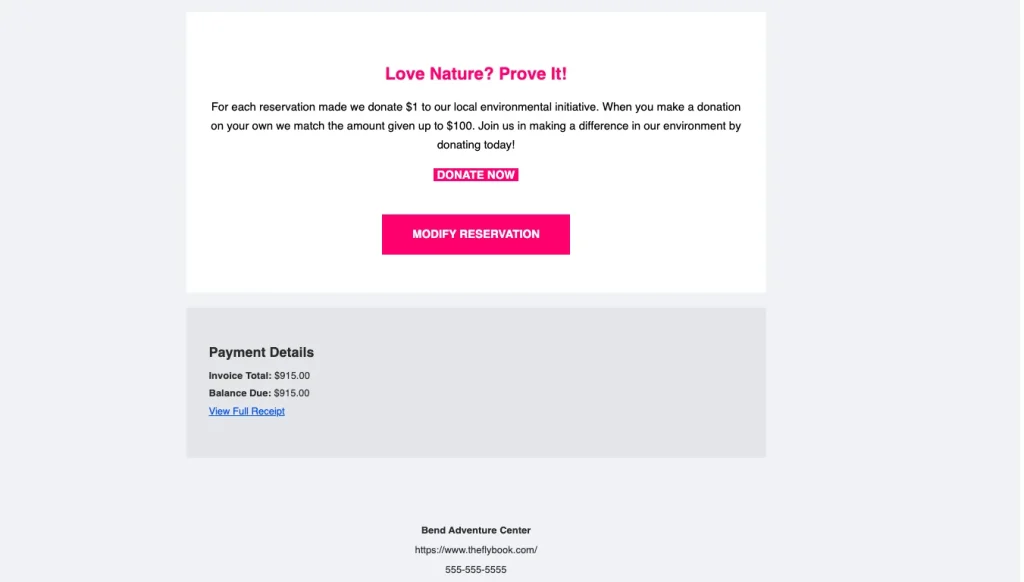
- A Cause: If supporting a local nonprofit or conservation effort is part of your brand, your confirmation email can be a place to share that story and give guests an opportunity to learn more.
- Promotion: Giving customers a benefit through a discount or other promotional item provides them with an incentive to look to you for other activities to enjoy while in your area. It also allows them to see what else may be available. This could look like a percentage (%) discount code or a buy-one-get-one deal for a rental, product, package, or other offerings you may have.
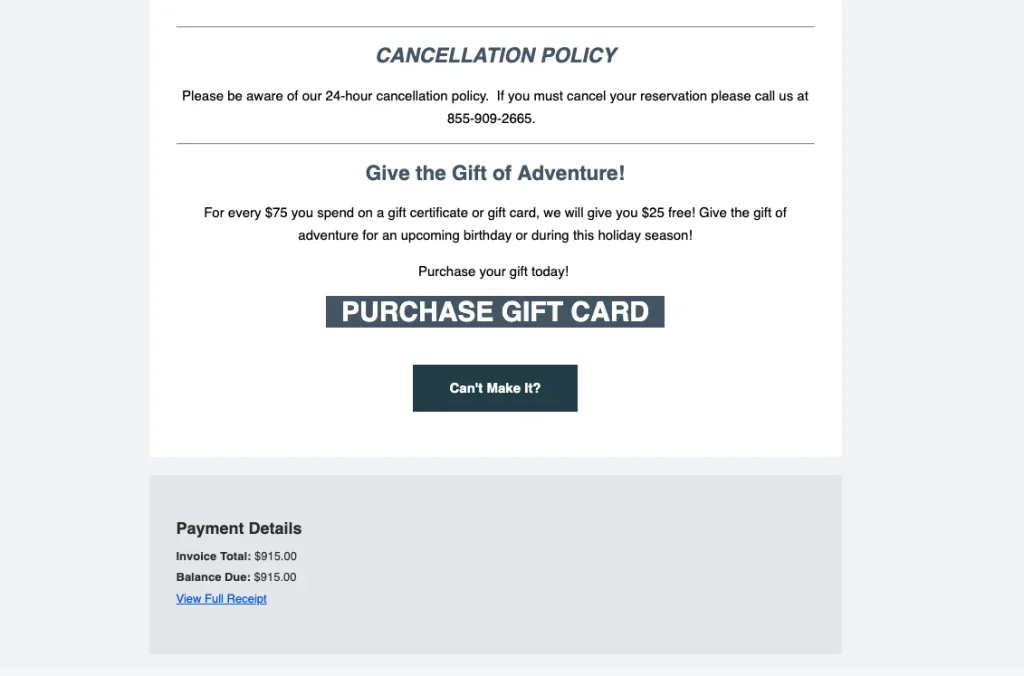
- Gifts: If you provided a great service, your customer may want to share the experience. Offer gifting options (like gift cards or certificates) that your customer could get for loved ones during the holidays.
6. MAKE CONTACT AND RESOURCE INFORMATION EASY TO FIND
The reservation confirmation email may become the primary resource for your customer to refer back to. This means they tend to “star” or save this email so they can return for details, questions, and contact information.
Make sure to provide clear and visible contact info so that if your customer has a question they can get help quickly. This small action provides a perceived level of service that can help you stand out.
Sharing contact and resource information can be done in the following ways:
- Include the location, phone number, and email in the footer of all emails.
- Use a section of the email both at the top and bottom to share contact info.
- Provide a map or google map link with directions.
Use visual icons to display contact info (image of a phone, website, waypoint).
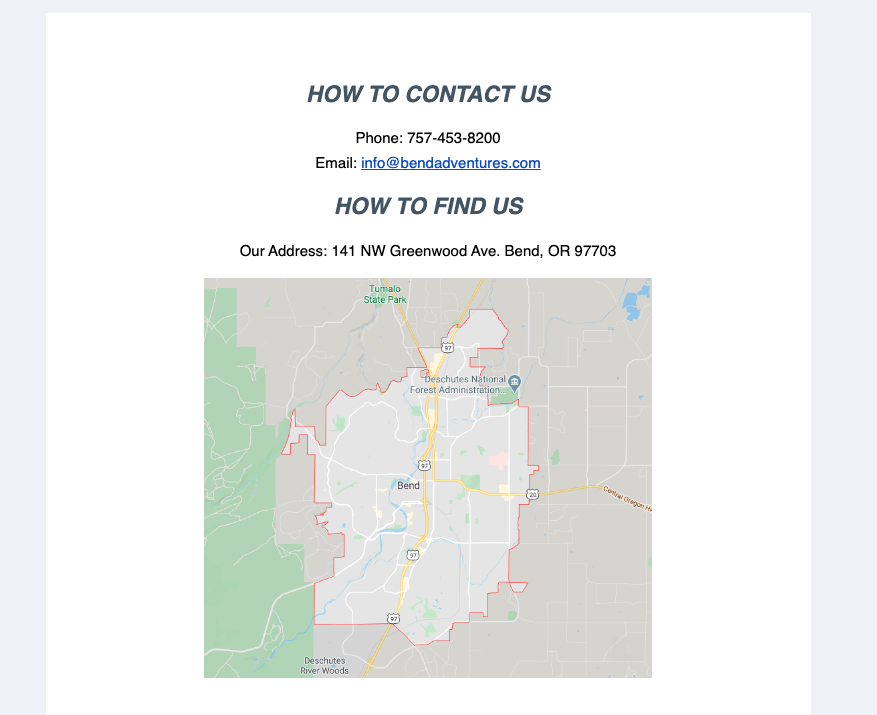
1. If your location is difficult to find, consider including a map or a link to directions so guests can easily navigate to your meeting point.
How to Get More From Your Reservation Confirmation Emails
Improving your confirmation emails can do more than create a better guest experience. When used strategically, they can also support additional revenue opportunities, reduce repetitive guest questions, and reinforce your brand before the experience begins.
According to @chamaileon, 50% of people make a purchase from marketing emails at least once per month. By updating your booking confirmation email to be a go-to resource for additional purchase items, information about their trip, or contact details for making adjustments to their reservation you are opening yourself up to:
- Increase revenue opportunities
- To be perceived as a valuable resource for information
- Representing yourself as a professional
Modern reservation booking software can automate confirmation emails, reminders, waivers, payment requests, and other pre-arrival communication so guests receive the right information throughout their booking journey.
Your reservation booking software should do more than simply collect bookings. It should also help you communicate with guests before they arrive.
Flybook makes it easier to create and automate confirmation emails, reminders, and other guest communication throughout the booking journey.
A useful and efficient booking confirmation email helps you stand out to your already-won customers, so they remember who you are. Remember to keep the information simple and make adjustments, trying different tactics to see what works.
Additional Resources:
Confirmation Emails Ultimate Guide
Looking for an online tour booking system that helps automate guest communication and confirmation emails?
