


Not every guest is ready to book the second they ask about pricing. Sometimes they want to see the full breakdown first, check with a travel partner, or just think it over before committing to anything.
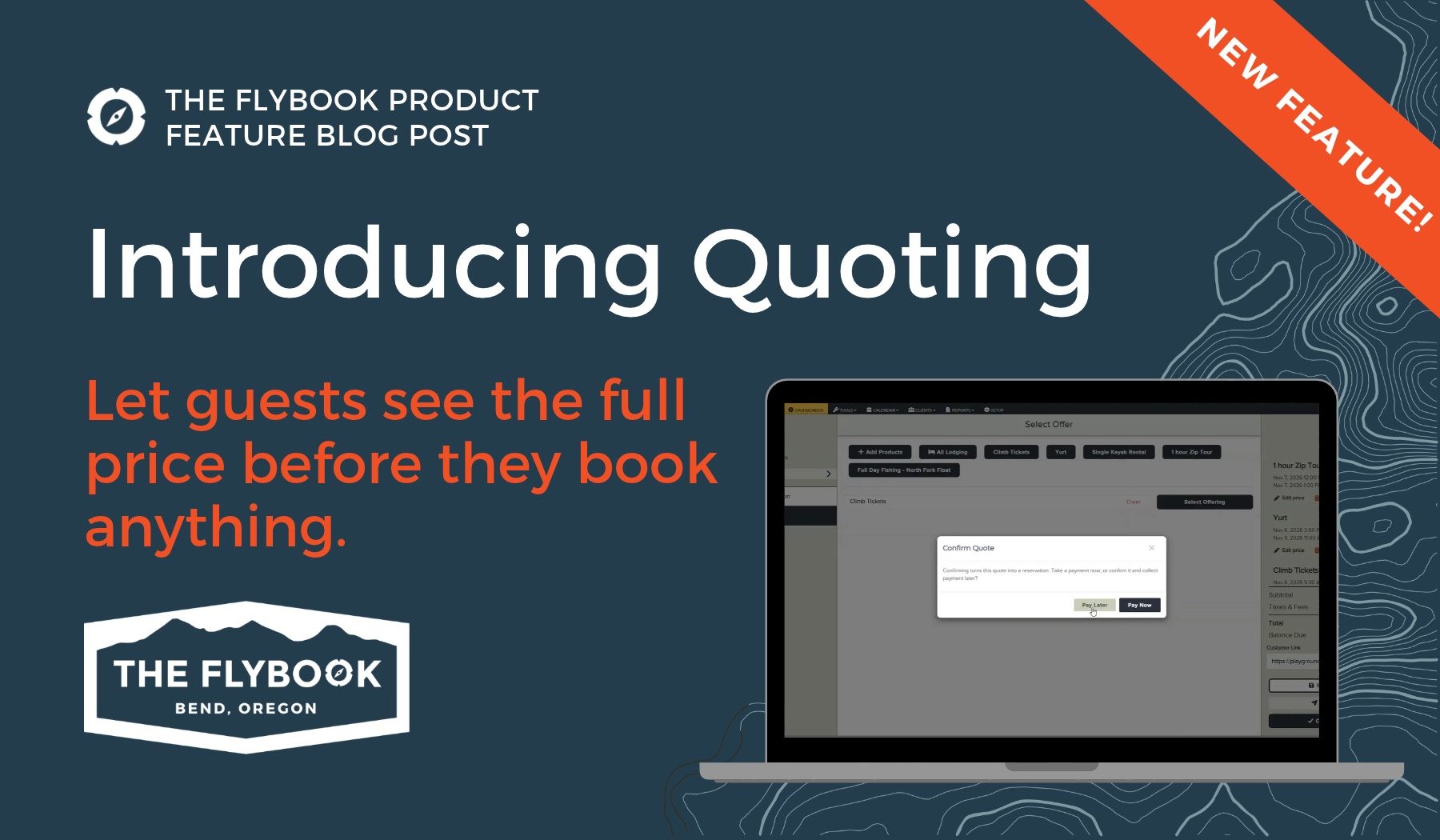
That’s where Quoting comes in. It’s a new way to build a priced cart of offers for a guest, activities, lodging, tickets, and more, without booking anything or touching your inventory. The guest (or you, on their behalf) can then confirm the quote, and it converts into a real reservation.
Build It Like a Normal Reservation
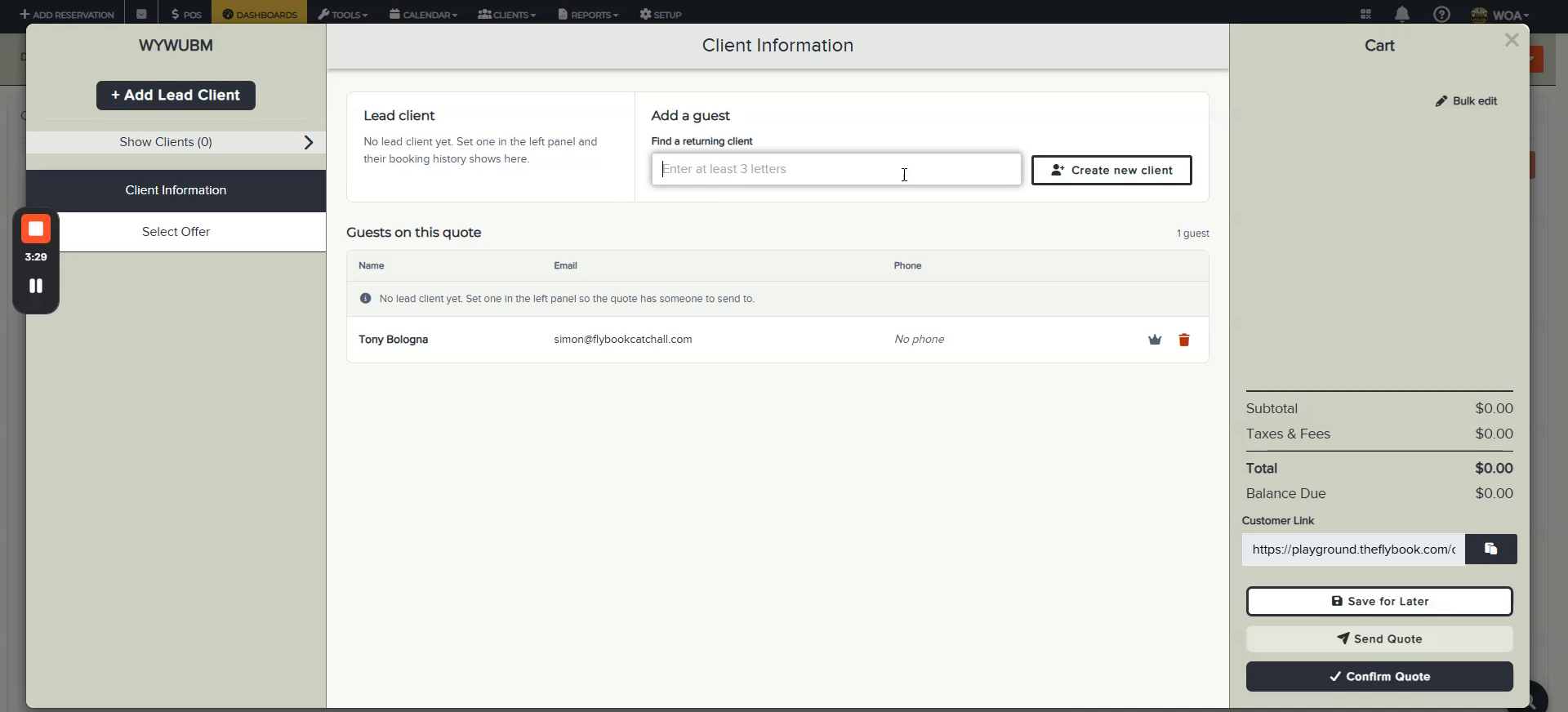
Creating a quote starts the same way a booking does. Add one or more clients (a trip leader, plus anyone else, like a co-organizer, who should also see the quote), then select from your favorites and add items to a cart, the same way a normal reservation builds. The cart shows a running total and balance due the whole time, so you and the guest both know exactly where things stand.
Price It However You Need To
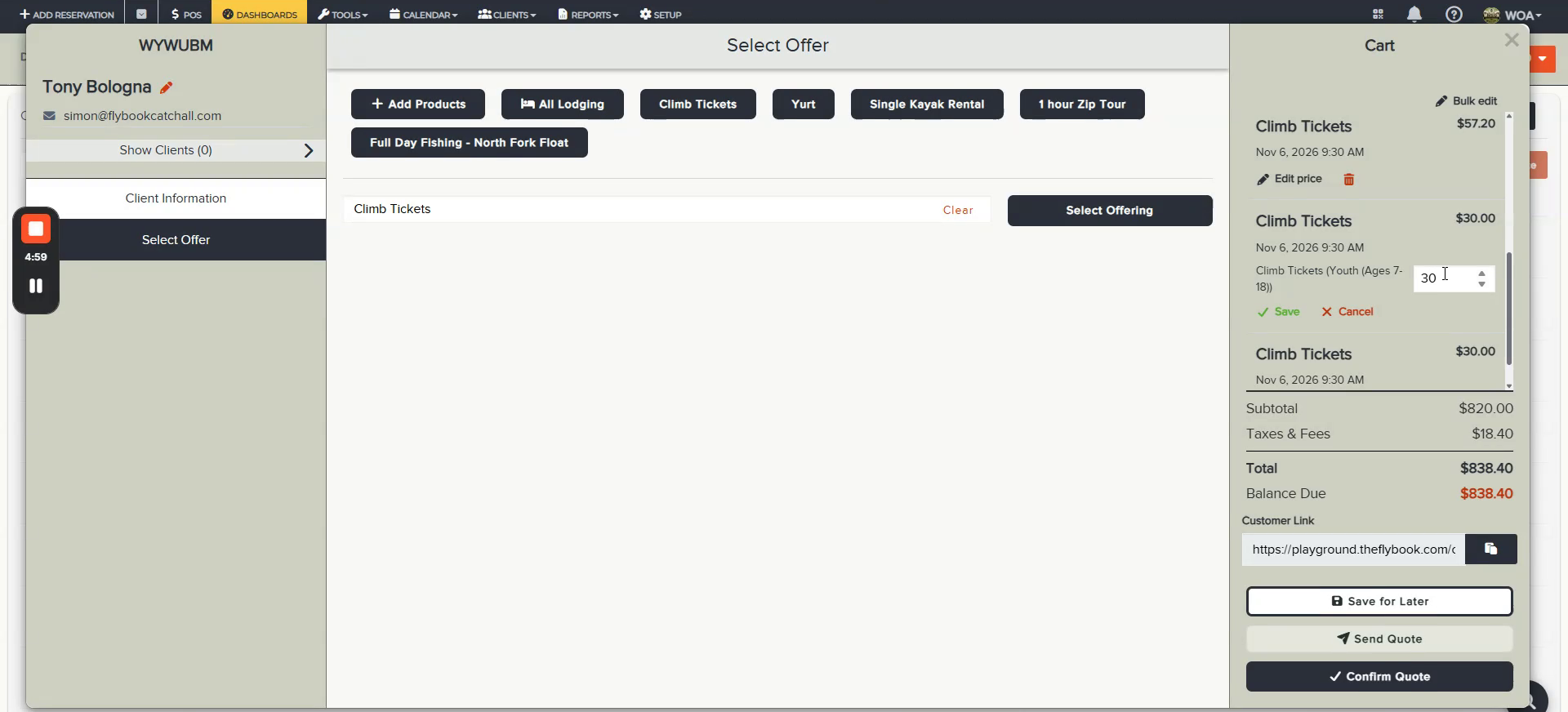
Once items are in the cart, pricing is flexible. Edit a price right from the cart, or switch to Bulk Edit to apply a change across many items at once, handy when a quote has a long list of line items. Either way, anything with an adjusted price gets a small flag in the cart, so it’s always clear at a glance what’s been customized.
More Than One Way to Get to Yes
Once a quote is ready, there’s more than one path to confirming it.
Send it by email, and the guest gets a full breakdown of everything on the quote, plus a button to confirm (customizable, so it can say something like “Confirm Quote”). Paying the deposit amount automatically confirms the quote and converts it into a reservation. No extra steps needed on your end.
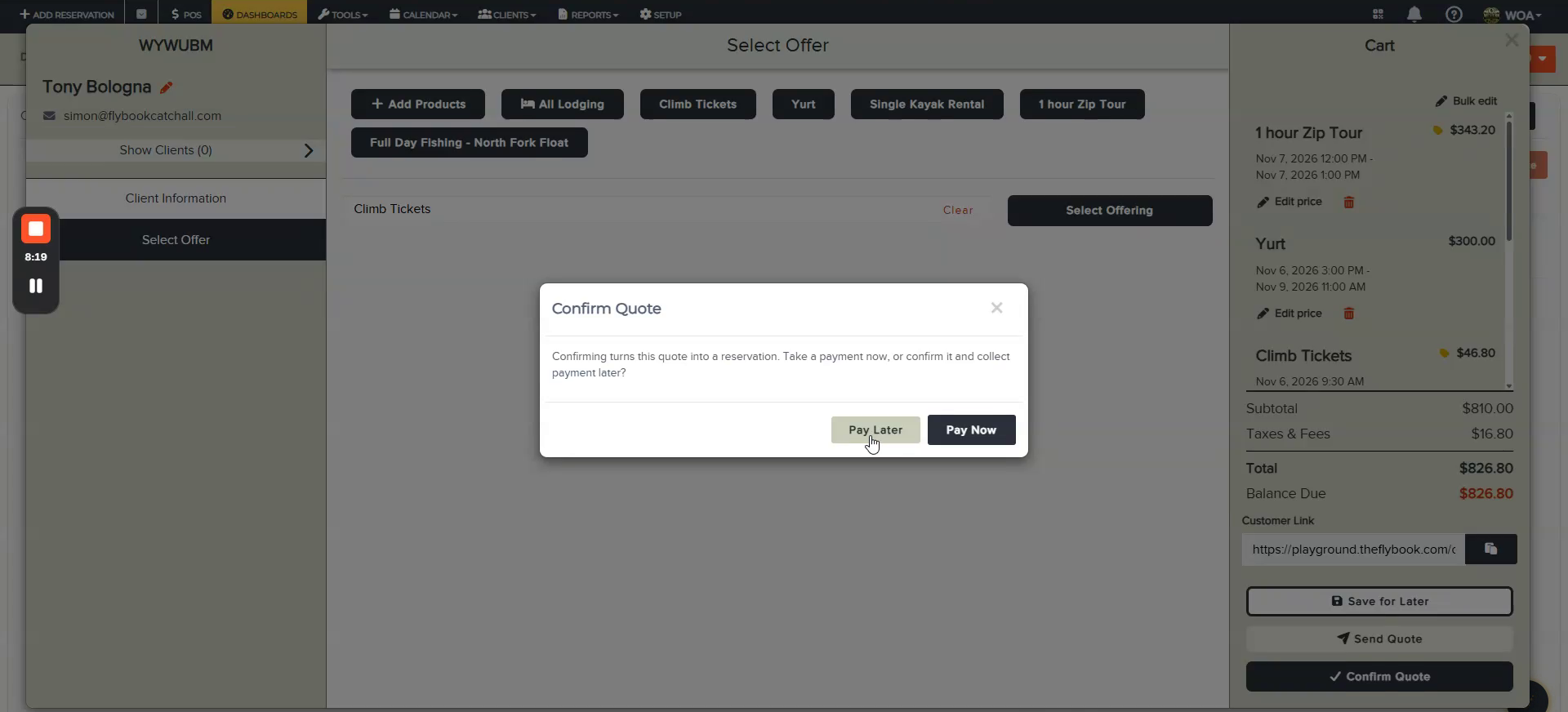
Or confirm it yourself. If a guest calls in and says they’re ready, you can collect the deposit, collect the full balance, or confirm without taking any payment at all and let them pay later.
Either path runs a final availability check at the moment of confirmation, so nothing converts into a reservation that isn’t actually available anymore.
Keep Quotes From Going Stale
Since items in a quote aren’t held or reserved, it’s worth keeping an eye on ones that sit for a while. Set an expiration date on any quote (and adjust it anytime from the Quotes dashboard), and run an availability check on a single quote or on everything in the dashboard at once. Building that check into a daily habit is an easy way to catch problems before a guest does.
Getting Started
Quoting is rolling out to early adopters first and needs to be turned on for your account. Reach out to the Flybook Advisory Team to get it enabled. As an initial release, a few things are still on the way, including deeper CRM integration and quote specific reporting.
Why Quoting Matters
Quoting gives you a way to say yes to a guest who isn’t ready to commit yet, without tying up inventory or guessing at pricing along the way. It’s one more way to meet guests where they are, and turn a few more “let me think about it” into a confirmed reservation.